Recipe card · v0.1.0
The Barback
A clear menu bar, served instantly.
Ingredients
- 1chevron ‹ the toggle, always in view
- 1separator │ hides what sits to its left
- 1always-hidden separator ┊ optional
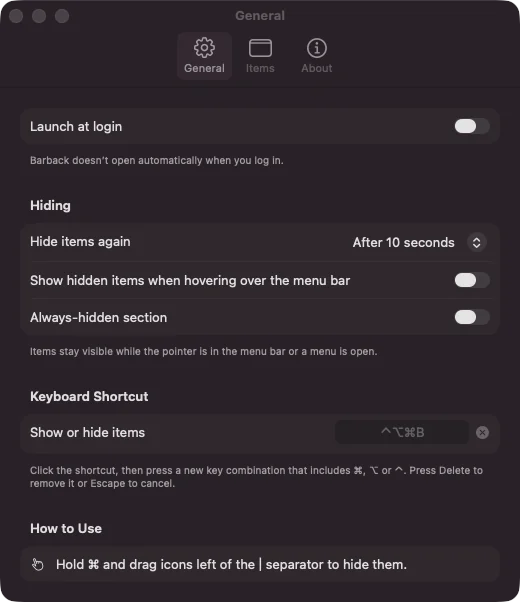
- 1hotkey ⌃⌥⌘B to taste
- 0required permissions
- 0dependencies
Method
- Install Barback and open it. A chevron ‹ and a separator │ appear in your menu bar, with a short tip to show you around.
- Hold ⌘ and drag the icons you rarely use to the left of the │.
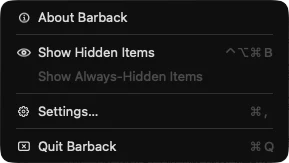
- Click the chevron or press ⌃⌥⌘B. The separator stretches to 10,000 points and pushes everything on its left off the screen. Click again and it shrinks back to a 14-point sliver.
- For icons you almost never need, switch on the always-hidden section in Settings and drag them left of the ┊. Option-click the chevron to see everything.
Barback’s note: if the │ ends up to the right of the chevron, Barback won’t stretch it, because that would hide Barback too. It shows you how to drag it back instead.